TIL: sudo apt install libreoffice-gtk3 and all of a sudden LibreOffice Writer is compatible with Snippet Pixie! 🎉️
-
-
Snippet Pixie 1.1 adds snippets export and import
I’m super happy to announce that Snippet Pixie 1.1 has been released. 🎉
This release includes two features that go hand in hand, snippets export and import.
Snippet Pixie is a great way to build a library of time and keystroke saving short text abbreviations that automatically expand while you type, but up until this release you could only add snippets to your second machine by either manually adding them again or finding and copying the settings database.
Export
It’s now possible to export your snippets to a JSON format file for the purpose of backup or transfer to another machine for import. Now when you add new snippets on one machine you can quickly add them to another machine.
Import
When using the import feature Snippet Pixie by default will not overwrite existing snippets with the same abbreviation, but you can optionally do that if you’ve made changes to the abbreviations on one installation and want to apply them to another.
For safety, the import feature also does not delete any existing snippets.
UI
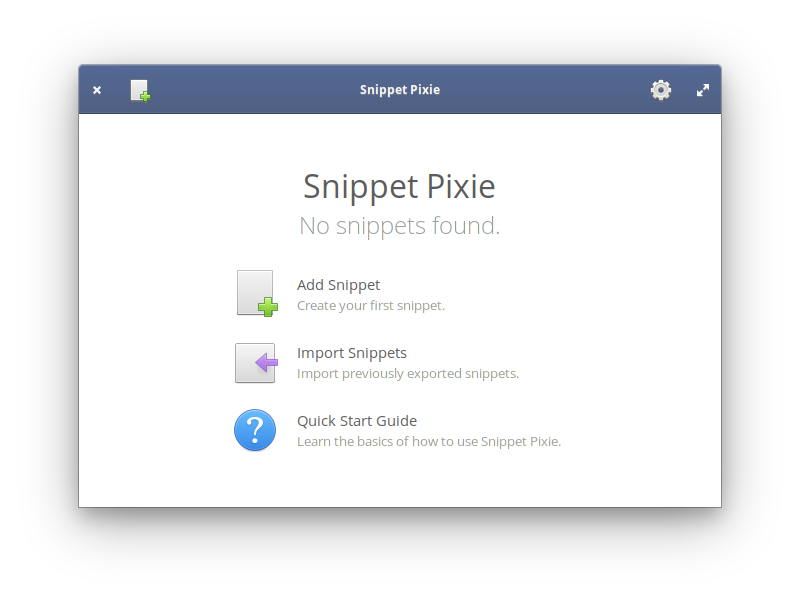
The welcome screen in Snippet Pixie now includes an Import Snippets option to get new installations up and running quickly. If you’ve already got some snippets in Snippet Pixie then you can use the “Import snippets…” option from the cog menu.
The cog menu is where you’ll find the “Export snippets…” option too, it’s enabled if you have some snippets to export.
CLI
Want to script an automatic backup or import? Snippet Pixie has your back as it also has new command line options for export and import.
-e, --export=filename
Export snippets to file

-i, --import=filename
Import snippets from file, skips snippets where abbreviation already exists

--force
If used in conjunction with import, existing snippets with same abbreviation are updated
File Format
Some people might be wondering why I picked JSON as the file format. The primary reason is flexibility and general support for the format. There are something like eleventy million utilities for handling JSON, so if you want to manipulate or generate your own file of snippets you’ll be able to do it easily.
I’ll document the format properly at some point, but it’s very simple as this vastly trimmed down export of some of my snippets shows…
{
  "generator" : "com.github.bytepixie.snippetpixie",
  "version" : 101,
  "data" : [
    {
      "snippets" : [
        {
          "abbreviation" : "joy`",
          "body" : "😂"
        },
        {
          "abbreviation" : "ksig`",
          "body" : "Kind regards,\n\nIan"
        },
        {
          "abbreviation" : "shrug`",
          "body" : "¯\_(ツ)_/¯"
        },
        {
          "abbreviation" : "sp`",
          "body" : "Snippet Pixie"
        },
        {
          "abbreviation" : "spu`",
          "body" : "[www.snippetpixie.com](https://www.snippetpixie.com)"
        }
      ]
    }
  ]
}
The generator and version elements are very important, Snippet Pixie will not currently import a file that doesn’t have those two elements with those same values as they signify a format that it understands.
The data array contains a list of data types with data that can be imported, currently there’s only snippets.
Each of the objects in the snippets array contains only an abbreviation and body, on export they are ordered alphabetically by the abbreviation and if there are duplicates (it’s possible) then by a hidden id which typically means by order of addition unless entries have been renamed. Due to this ordering, if overwriting duplicates on import is allowed then last duplicate in the file will “win”, but by default first entry will “win” if the abbreviation does not exist in Snippet Pixie’s library already.
As you can see from the example, it’s UTF-8 and supports emoji and new lines (those n bits), and characters like ” are escaped etc.
Get It!
As always, you can get Snippet Pixie from the elementary AppCenter.
Hope you like it, if you have any feature requests or problems with Snippet Pixie, please stop by the GitHub repository and share your thoughts!
-
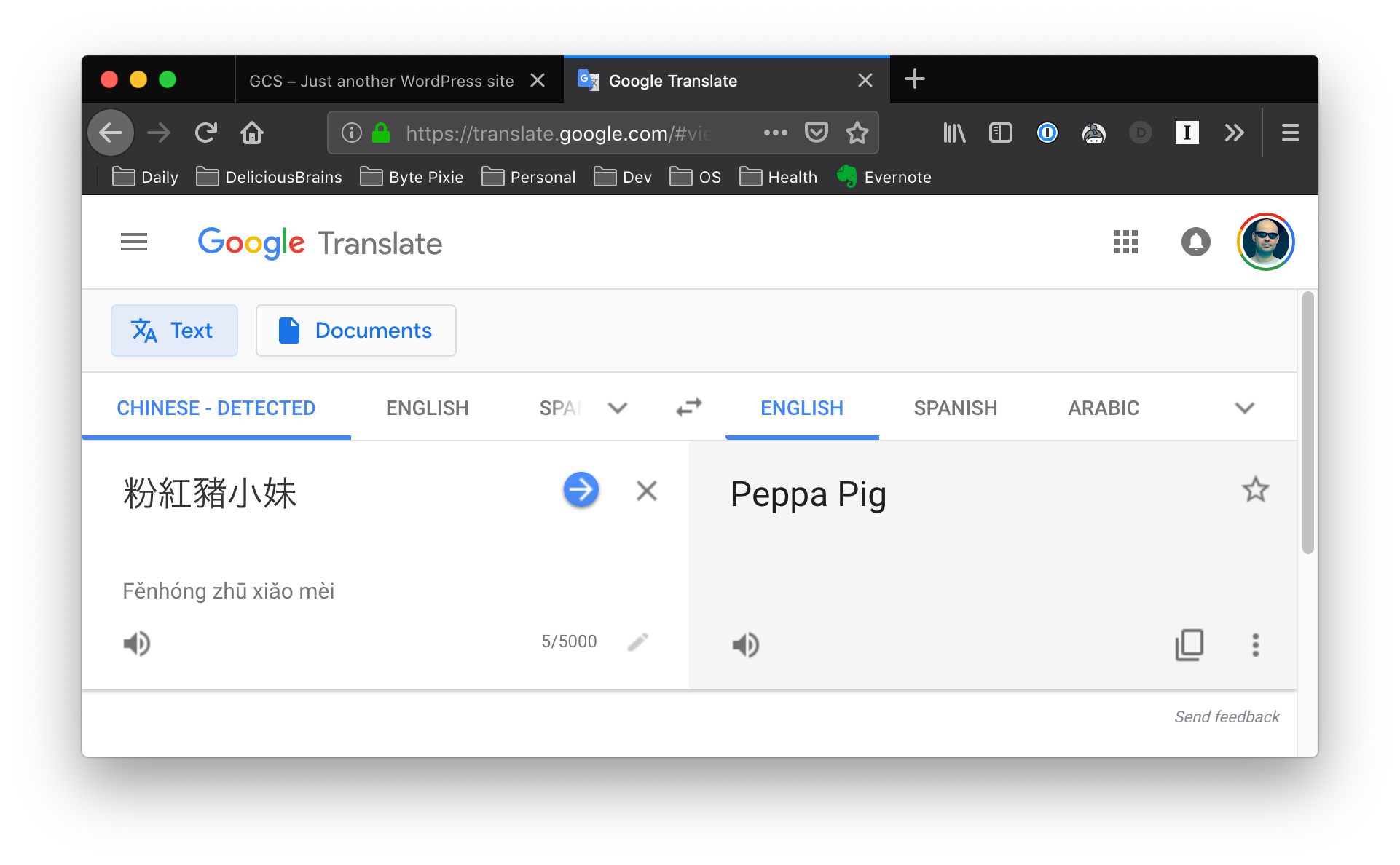
A couple of years ago we had a support request regarding Chinese characters in offloaded files, I’ve used the example file name ever since for testing, including acceptance tests. I’ve only just now bothered to see what the file name translates too…
-
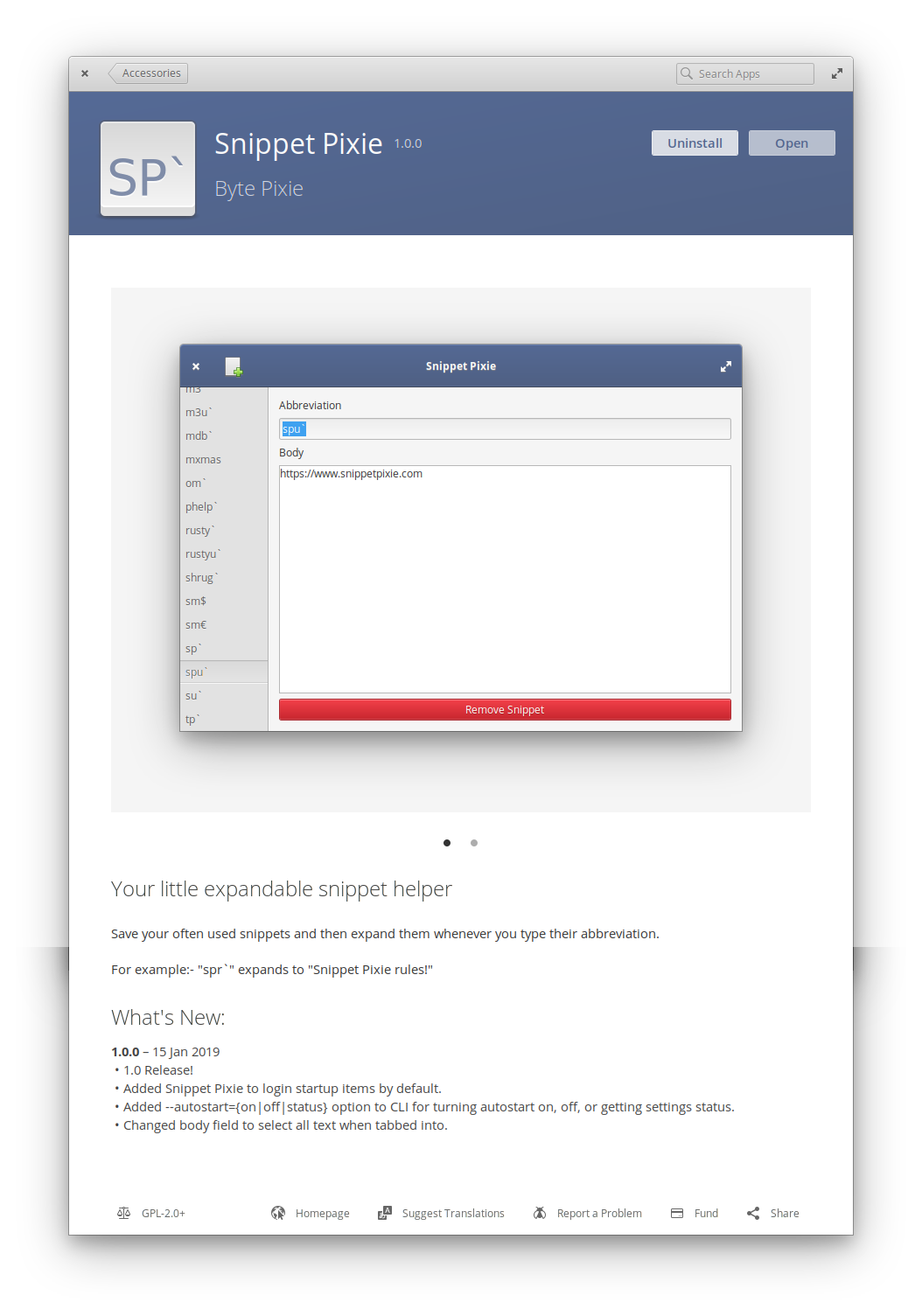
Snippet Pixie 1.0 has been released!
Now autostarts on login by default, and tabbing into the body entry field selects all text, making adding new items a little bit quicker.
-
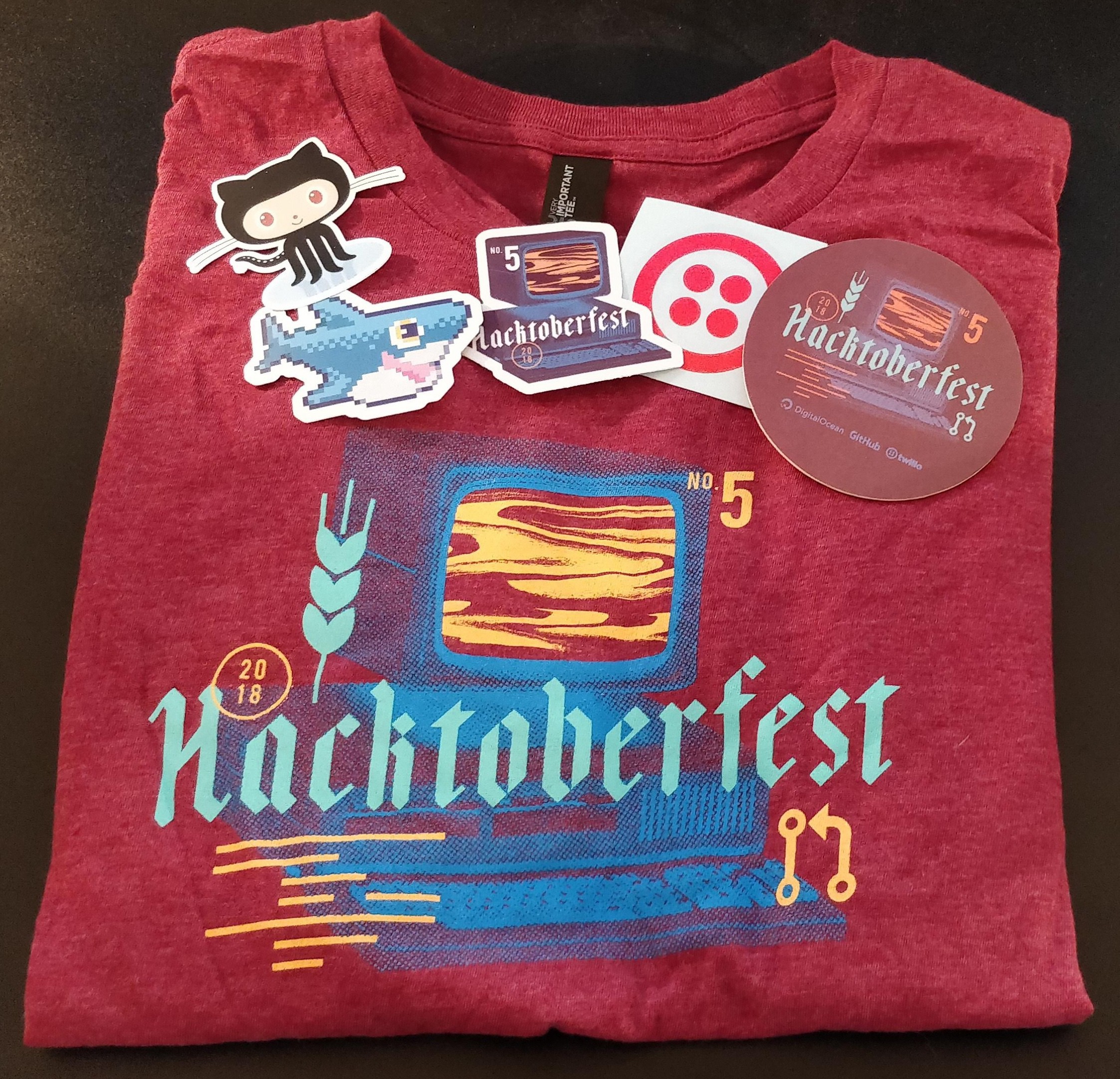
Thanks for the Hacktoberfest t-shirt, stickers and coaster @digitalocean, @github and @twilio!
-
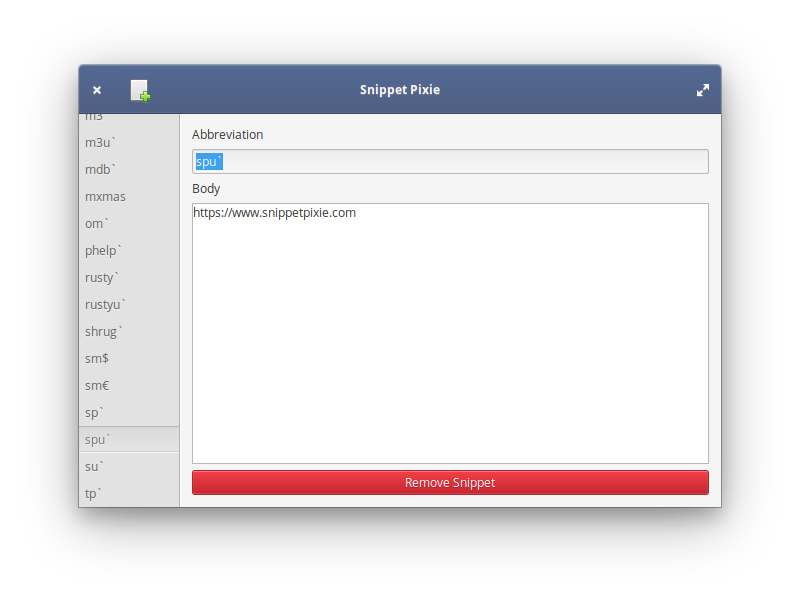
🎉 My handy new app for expanding text snippets, Snippet Pixie, is now available in the @elementary AppCenter!
-
While you're re-skinning your web app with NES.css you should definitely be listening to Pretty Eight Machine by Inverse Phase, which is an excellent 8-bit tribute to probably my favourite album of all time, Pretty Hate Machine by Nine Inch Nails.
-
Just received a nice t-shirt and a couple of lovely “Sammy the Shark” stickers in the post, thanks @digitalocean!

-
If anyone's still looking for an Initiative Q invite, I've still got some going spare.
-
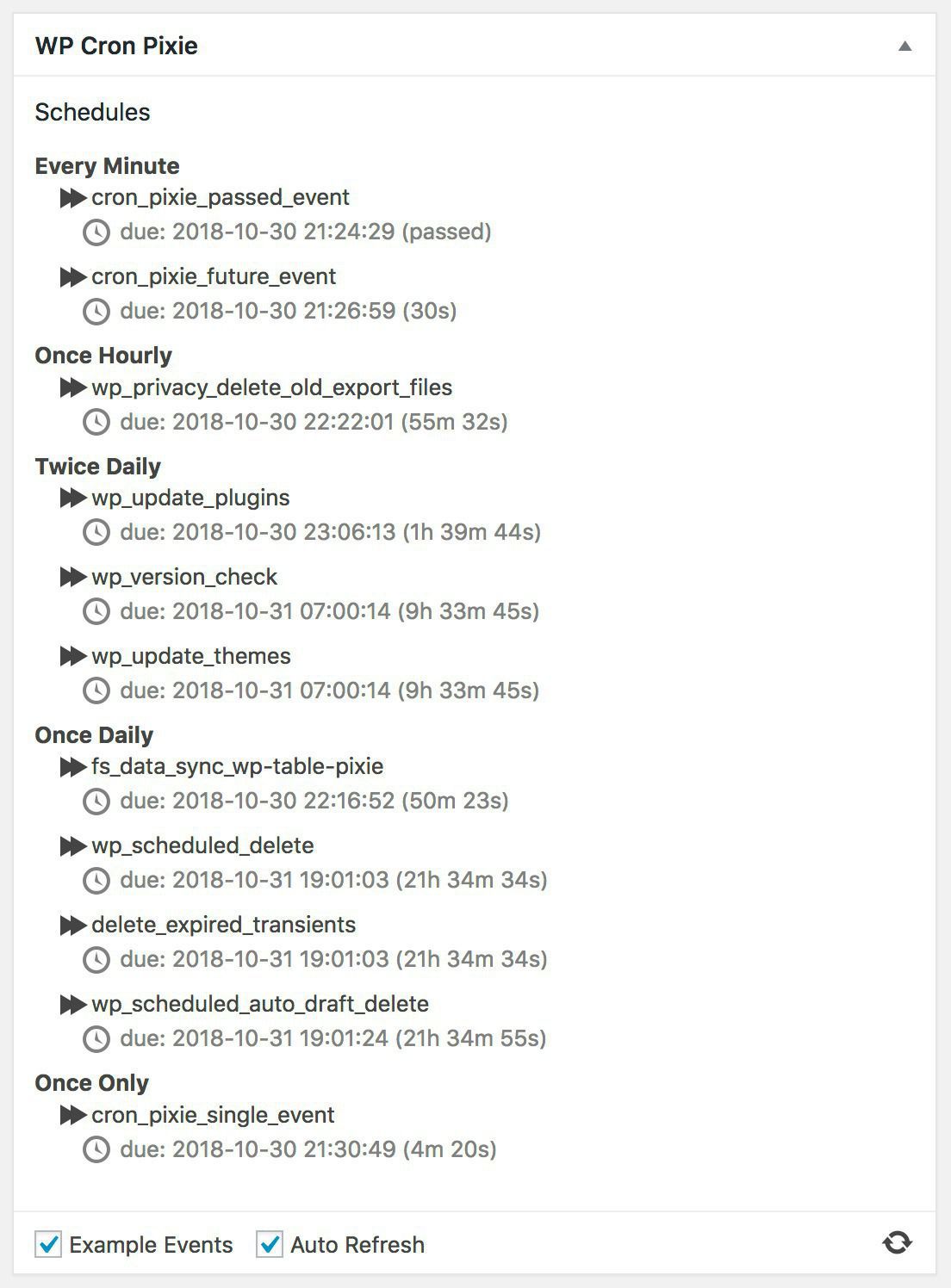
WP Cron Pixie 1.4 Released
Just released WP Cron Pixie 1.4, the latest update to my little dashboard widget to view the WordPress cron, and run an event now rather than later.
In this release we have the following changes…
- Added checkbox to control whether example cron events should be added to cron.
- Added checkbox to control whether the display should auto refresh.
- Added “Refresh” icon for manual refresh of data.
- Fixed not all strings in UI being translatable.
- Elm 0.19 frontend.
A couple of things not mentioned in the changelog are that the “Refresh” icon does a nifty little spin as data is being refreshed or events are being run manually to give a little UI feedback, and this version has been tested with WordPress 5.0 beta 2.
It’s available from the WordPress plugin repository, or from its GitHub repository.
I had a lot of fun developing this version, using the Elm language for web development is so fast and efficient. Elm is a small language packed with power, the combination of a functional and static typed compiled language with a well thought out application architecture make for a great development platform.